TABLE OF CONTENTS
Purpose
This article will provide the path to reach the Process Design Studio tool offered by VisualVault.
Accessing Process Design Studio
Follow the path below in order to access the Process Design Studio tool:
1. Once logged in to VisualVault, hover the mouse over the User Name on the top right corner of the screen. On the menu that appears, click Control Panel.

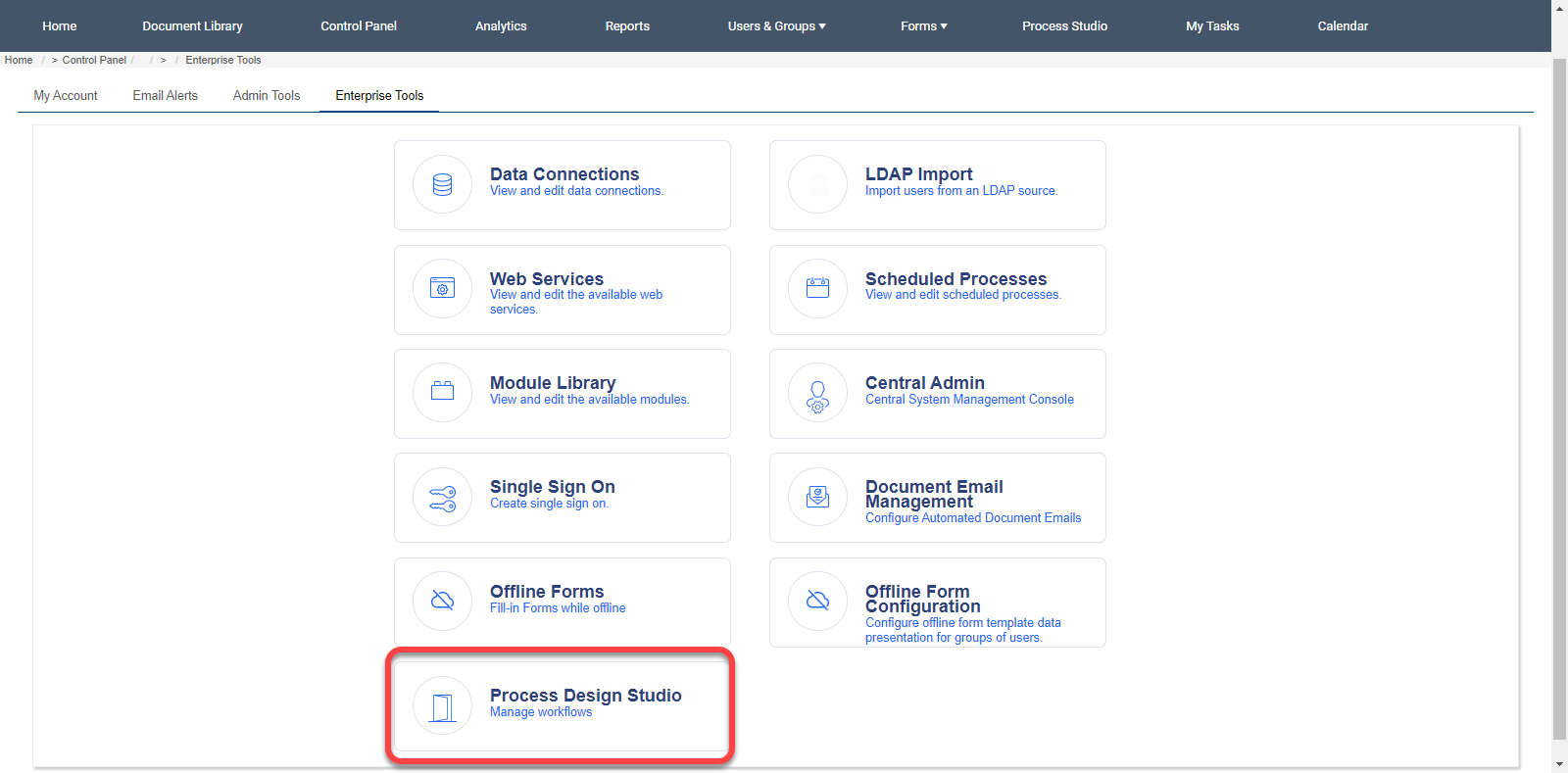
2. After accessing the Control Panel, go to Enterprise Tools.

3. Click on Process Design Studio